Our Accounting and Reporting department provides memos, yearly informational notices and fiscal year-end deadlines to our campus community. For your convenience, our notices are posted in "Announcements" on our campus bulletin board.
As new developments arise in our division, we will post in this section as well.
Fiscal Year-End Resources
Access the Year-End Deadlines Memo for key fiscal close dates, processing deadlines, and year-end procedures. This resource helps campus departments effectively manage financial activities, meet required deadlines, and ensure a smooth and accurate fiscal year-end close.
This recorded training session is designed for faculty, staff, and department administrators
involved in fiscal year-end activities. The training provides an overview of key deadlines,
year-end procedures, and financial reporting requirements, helping departments prepare
for a successful fiscal close and ensure compliance with university and CSU guidelines.
This presentation provides an overview of the Fiscal Year 2025-2026 year-end close
process, including key deadlines, important procedures, and requirements for campus
departments. It serves as a valuable training and reference tool for faculty and staff
involved in financial transactions, helping departments prepare for year-end activities,
ensure compliance with university policies, and support accurate and timely financial
reporting.

Use the Travel Accrual Form to report outstanding travel expenses incurred during
Fiscal Year 2025-2026 that have not yet been processed or reimbursed by year-end.
This form helps ensure that travel-related costs are recorded in the correct fiscal
year, supporting accurate financial reporting and compliance with year-end accounting
requirements. Departments should complete and submit this form for any eligible travel
expenses to facilitate a timely and accurate fiscal close.
Policies
This policy applies to all campus departments and employees who collect, receive,
handle, safeguard, or deposit cash and cash equivalents on behalf of the university.
It establishes requirements for cash collection, receipting, storage, reconciliation,
deposits, separation of duties, and internal controls to help protect university assets
and reduce the risk of loss or misuse.

This policy is intended for departments, property custodians, managers, and employees
responsible for university-owned equipment and assets. It provides guidance on asset
accountability, inventory management, tagging requirements, transfers, disposals,
surplus property procedures, and safeguarding university resources throughout their
lifecycle.


Business and Financial Services - Trainings

This presentation serves as a reference resource for faculty, staff, and department administrators who participate in campus business and financial operations. It highlights important fiscal processes, deadlines, procedures, and best practices discussed during training, providing departments with information needed to support accurate transactions and effective year-end planning.
Campus Accounting and Reporting - Trainings and Forms
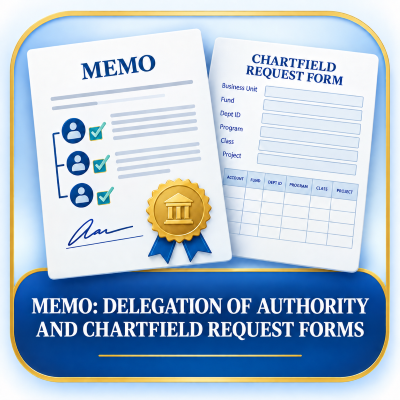
This memo provides guidance on when a Delegation of Authority and Chartfield Request Form is required for new, modified, or inactivated chartfields and changes to fiscal authority.
Key Points:
- Required for chartfield changes and permanent delegation authority updates.
- President and CFO are automatically authorized on all chartfields; no form is needed.
- Financial Services processes updates for new Presidents and Vice Presidents.
- Departments must submit forms for authority changes involving other administrators.
- Refer to the full memo for detailed procedures, requirements, and contact information.
View Full Memo for additional details.

Training Key Points
- Understand the purpose and importance of the Chart of Accounts in PeopleSoft Finance.
- Learn how chartfields are used to classify and track financial transactions.
- Become familiar with the chartfield string structure and order.
- Identify the key components used to record financial activity.
- Develop the knowledge needed to accurately process and review financial transactions.

Expenditure Transfer Form
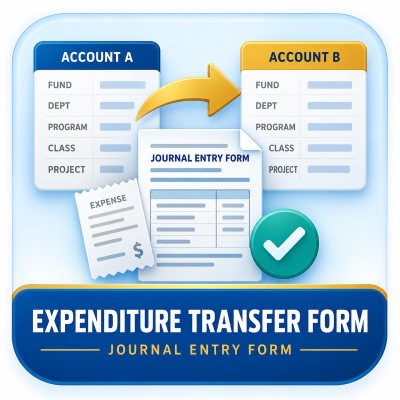
Need to move an expense to a different account or chartfield?
Use the Expenditure Transfer Form to request the transfer
of expenses between funding sources. Departments should complete the form when correcting chartfields or reallocating expenses to the appropriate account.
For example, if an expense was charged to the wrong:
- Fund
- Department
- Program
- Project
- Class
the Expenditure Transfer Form is used to correct the accounting record by transferring the expense to the appropriate chartfield combination.
Procurement Training Videos
P2P Recorded Training Sessions
Select the icon to access recorded training videos and tutorials covering:
P2P Short Video Tutorial Library
Select the icon to view brief training tutorials on:
- Updating Your Profile
- Basic & Advanced Searching
- Searching Requisitions
- Shopping a Punch-Out Catalog
- Shopping a Form
- Requesting a Supplier
- Approving, Returning, or Rejecting Requisitions
- Creating and Sending Comments
- Adding a Substitute Approver (Out of Office)
- Adding a Line to a Returned Requisition
- Submitting a Change Request
- Approving, Returning, or Rejecting Vouchers
- Updating Payment Settings
- Guided Buying Digital Adoption Platform (DAP)